Skip to content
Crash sticker instructions
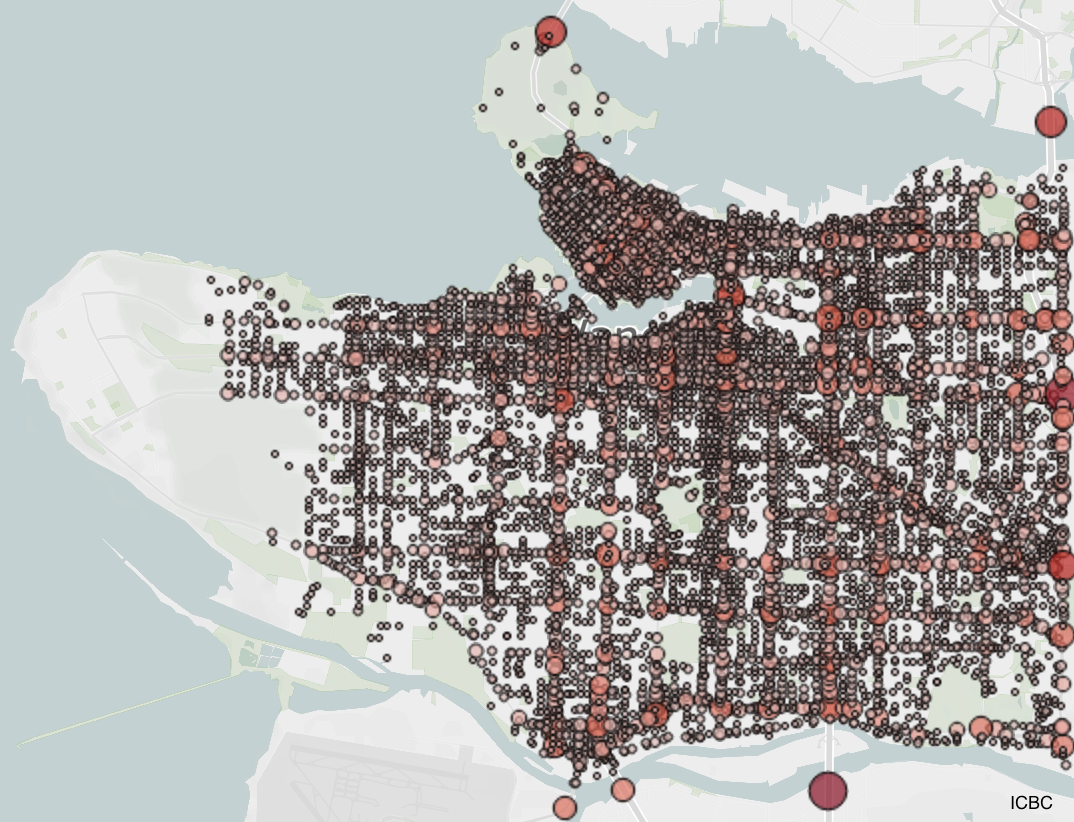
- Get the number of crashes for the intersection you’re interested in from https://public.tableau.com/app/profile/icbc/viz/LowerMainlandCrashes/LMDashboard
- In the ICBC dashboard, leave the fields “Year” and “Crash type” to “(All)”.
- The ICBC data spans the previous 5 years. Divide the number by 5 and round to the nearest integer.
- Write the average annual crash number on the sticker.
- Tip: pre-write the number of crashes before heading out. On the back of the sticker write the intersection that the sticker is meant for.
- Place the sticker on a high-attention spot, like above beg buttons.
- Do not place the sticker on essential surfaces like traffic signs, wayfinding signs or bus schedules.


 Vision Zero Vancouver